top of page

Kodi

Step-by-Step Instructions for Best Experience (DRAGON)

Nakamichi_CES_Full_System_20230327_OUT-min.png

Reference Model: Kodi

Select the User Interface below that matches your device:

STEP-BY-STEP GUIDE:​

1. Hardware Audio Settings

  • Nvidia Shield

    • Display & Sound​ > Advanced Settings > ​Surround Sound > ​Select Always

  • Android Box

    • Settings​ > System >Sound > ​Audio Settings > HDMI as RAW

  • MacOS

    • Audio MIDI Setup​ > HDMI on the left tab > ​Verify the Encoded Output option under audio format is available (but not selectable) > Verify the audio output format as Encoded Output when the video is playing via Kodi App

  • WindowsOS

    • Sound​ > Nakamichi device > ​Set as Default device > Under Nakamichi's  Properties Settings, set Device Usage as Use this device (enable)


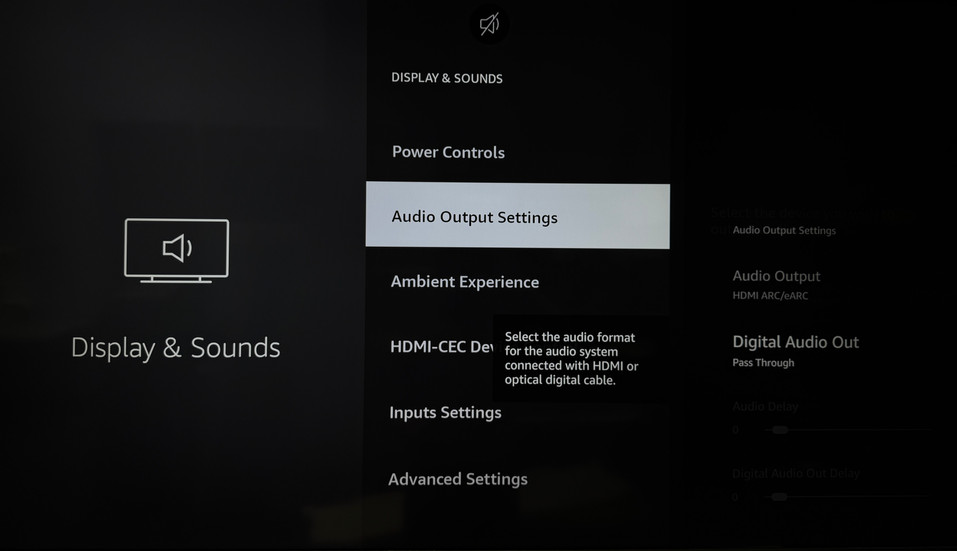
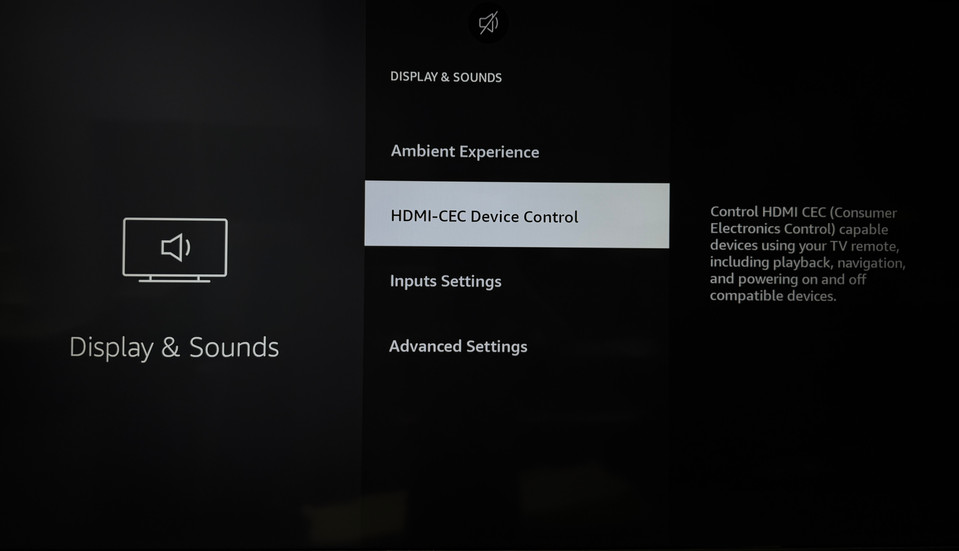
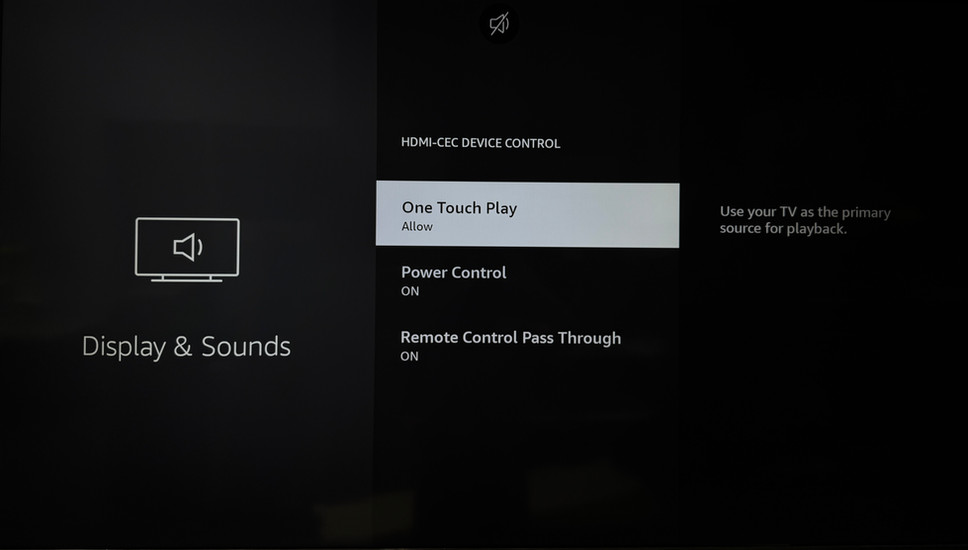
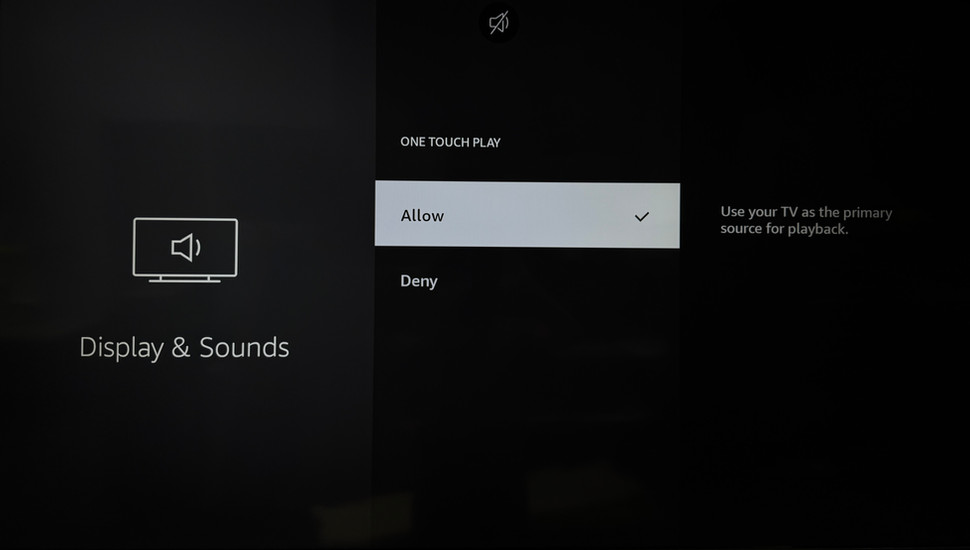
Scroll left and right to see the audio settings for you TV. (Enlarge image by clicking on it)

1. Kodi App Audio Settings

Sequence:

  1. System > System Settings > Audio

  2. System > System Settings > Audio > Expert

  3. System > System Settings > Audio > Expert > Audio Output Device > Nakamichi

  4. System > System Settings > Audio > Expert > Number of Channels > 7.1

  5. System > System Settings > Audio > Expert > Output Configuration > Best Match

  6. System > System Settings > Audio > Expert > Maintain original volume on downmix > Off

  7. System > System Settings > Audio > Expert > Stereo upmix > Off

  8. System > System Settings > Audio > Expert > Send low volume noise > On

  9. System > System Settings > Audio > Expert > Allow passthrough > On

  10. System > System Settings > Audio > Expert > Passthrough output device > Nakamichi

  11. System > System Settings > Audio > Expert > Dolby Digital (AC3) capable receiver > On

  12. System > System Settings > Audio > Expert > DTS capable receiver > On

  13. System > System Settings > Player Settings

  14. System > System Settings > Player Settings > Video

  15. System > System Settings > Player Settings > Video > Sync playback to display > Off (Mandatory)


bottom of page