Dragon support / Device Settings / Plex
TCL TV
Step-by-Step Instructions for Best Experience (DRAGON)

Reference Model: TCL Fire TV (2026)
Select the User Interface below that matches your TV:


Audio
STEP-BY-STEP GUIDE:
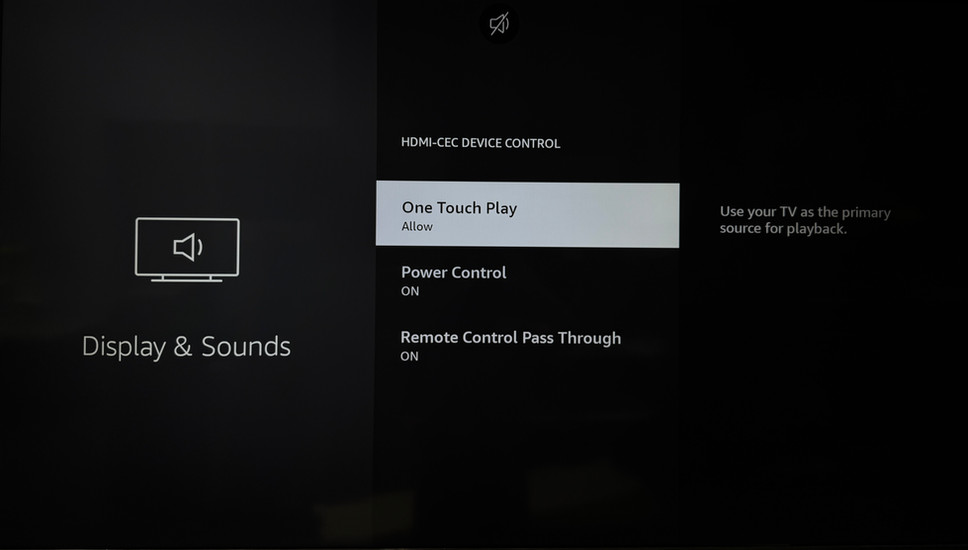
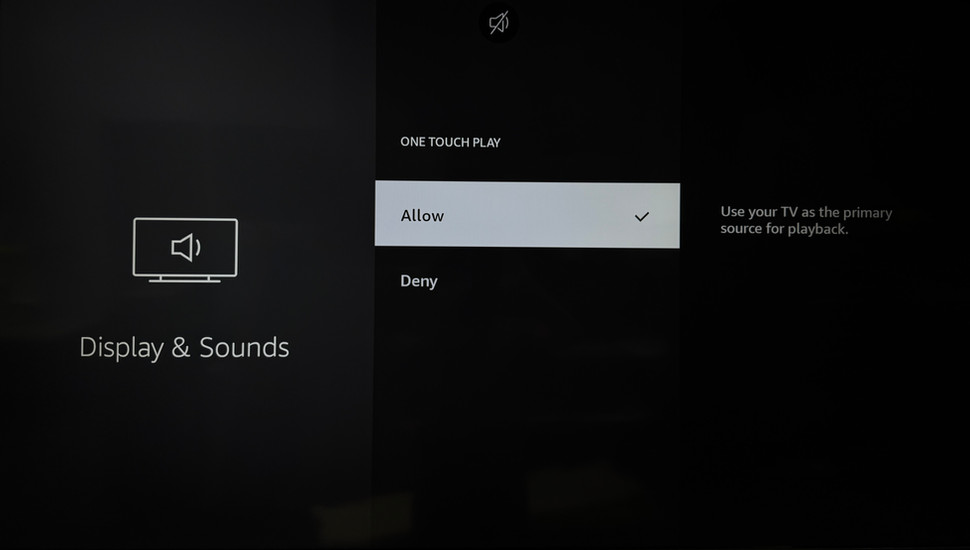
Scroll left and right to see the audio settings for your TV. (Enlarge an image by clicking it)
Sequence:
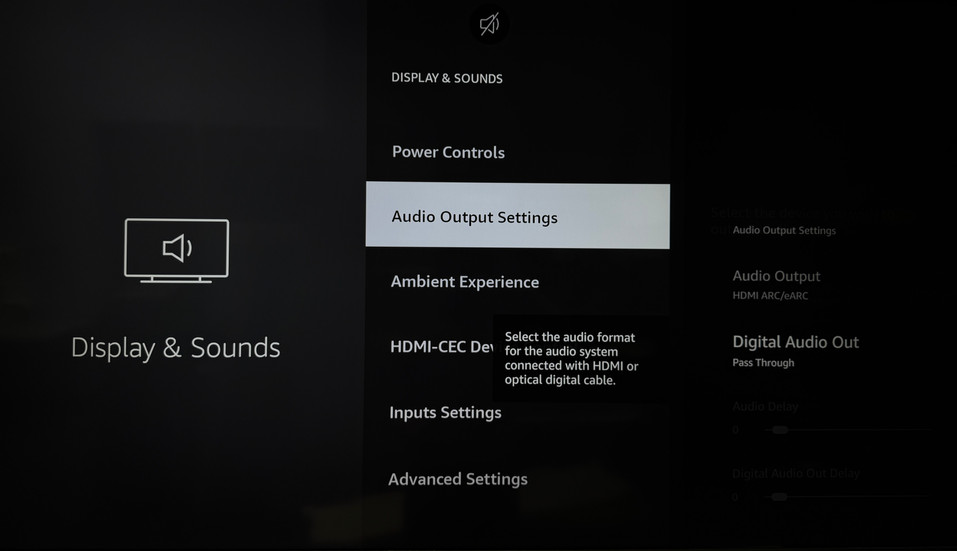
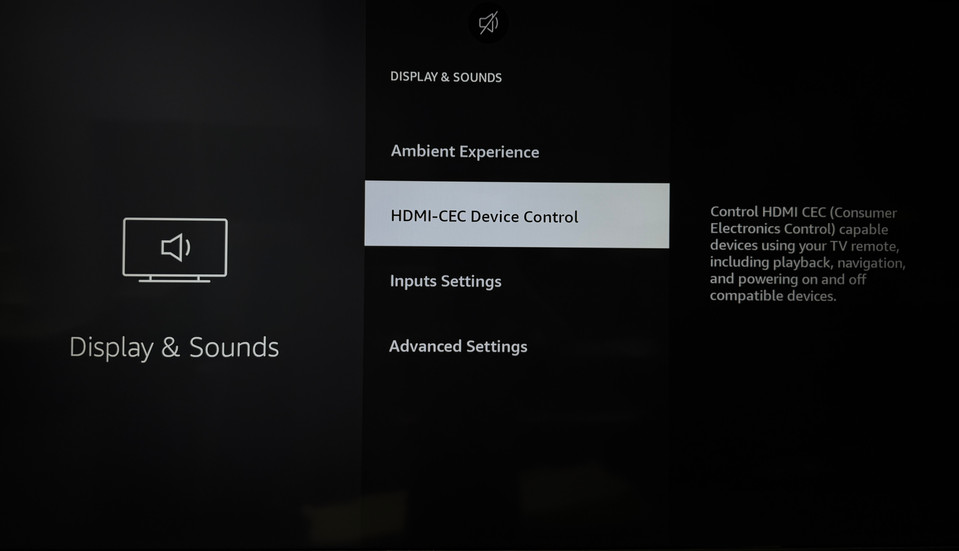
Settings > Display & Sounds
Settings > Display & Sounds > Audio Output Settings
Settings > Display & Sounds > Audio Output Settings > TV Speakers > Off
Settings > Display & Sounds > Audio Output Settings > ARC Mode > eARC
Settings > Display & Sounds > Audio Output Settings > Digital Audio Out > Pass Through
Settings > Display & Sounds > Audio Output Settings > DTS DRC > Off
Settings > Display & Sounds > Advanced Settings
Settings > Display & Sounds > Advanced Settings > System Sounds > Off
Settings > Display & Sounds > Advanced Settings > External Device Control > On
Settings > Display & Sounds > Advanced Settings > eARC > Auto