top of page
Dragon support / Device Settings / Nintendo Wii
Nintendo Wii
Step-by-Step Instructions for Best Experience (DRAGON)

Reference Model: Nintendo Wii
Select the User Interface below that matches your device:


STEP-BY-STEP GUIDE:
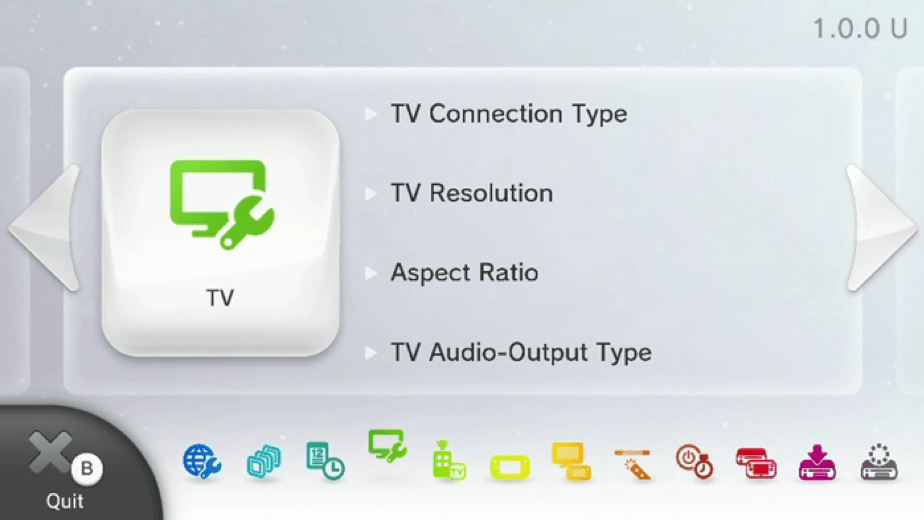
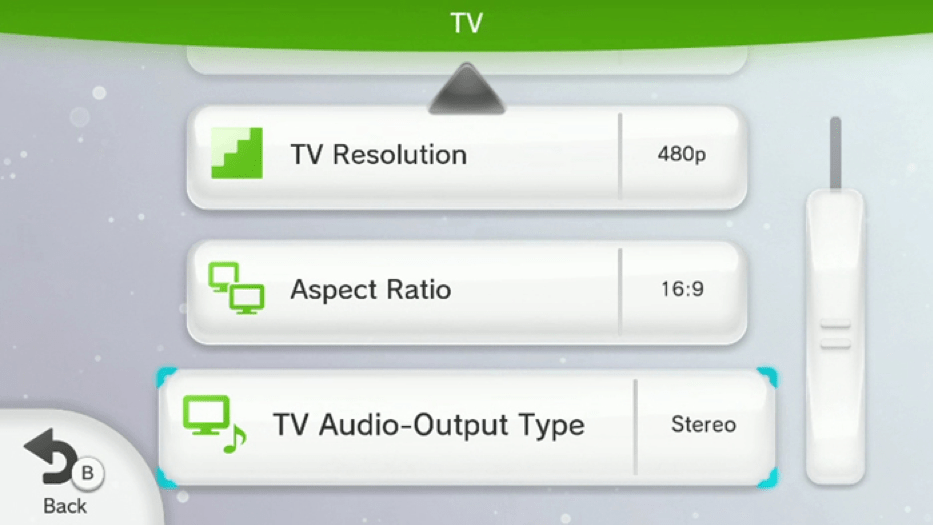
Scroll left and right to see the audio settings for you TV. (Enlarge image by clicking on it)
Sequence:
System Settings > Scroll to TV
System Settings > Scroll to TV > Press A Button on game controller
System Settings > Scroll to TV > TV Output Type
System Settings > Scroll to TV > TV Output Type > Surround > OK




bottom of page